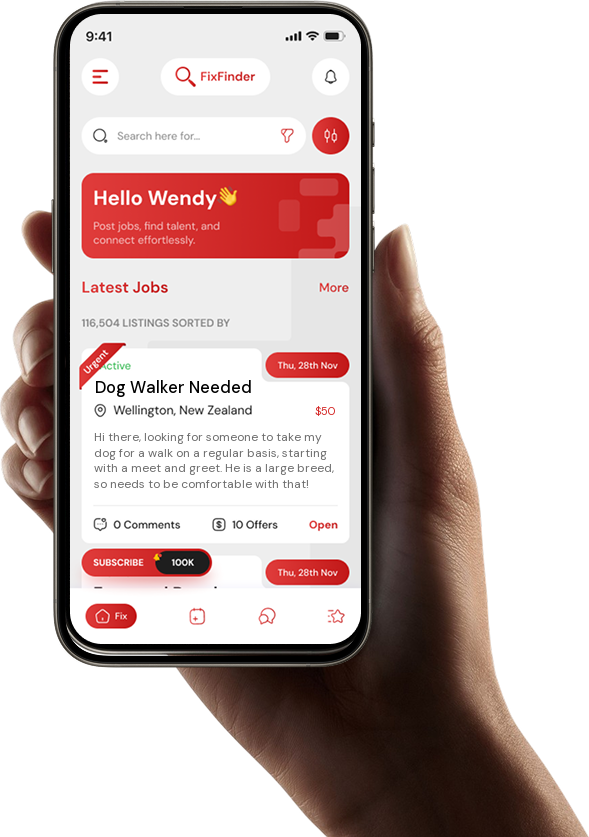
How To Use Fix Finder
-
Download the app from Apple or Google
 The iOS app is coming soon. For now, you can use FixFinder on Android.
-
Sign up using basic details
-
Verify your email address to prove you are legit!
-
Fill out your details under “My Profile”. If you are a business, you can also provide website links for others to check out your work
-
If you want to receive live notifications for specific jobs, fill these out under notification settings
-
Scroll the feed!
-
If you see a job that interests you, click on it to read the full details. You can request a callback to get more information, leave a comment to ask a question, or make an offer based on what you would be willing to do the job for.
-
If the poster is keen to get you in once you have made an offer, they will confirm you for the job, and you will then be able to chat with them within the app. You can arrange a day, time, payment method or service to swap for, and get the address of the job.
-
You turn up, do a great job, and get paid!
-
Hopefully the job poster will leave you a 5 star review, which will help your profile